
Multiple Bank Accounts
Display and manage multiple payment accounts at checkout.
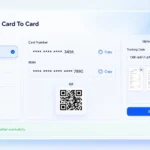 Woocommerce Plugin 1.0
Manual card-to-card payments for WooCommerce.
Flexi Card To Card Payment makes it easy for WooCommerce stores to accept manual card-to-card payments. Customers can view bank details, submit payment information, and upload receipts directly at checkout.
0$
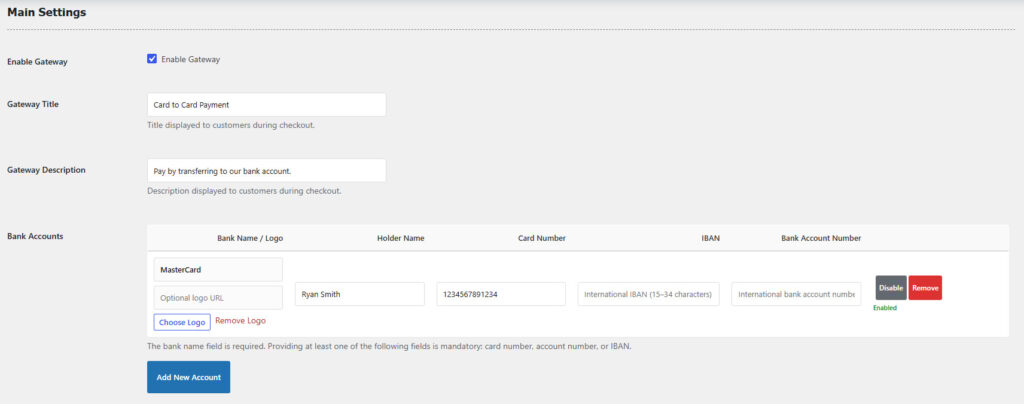
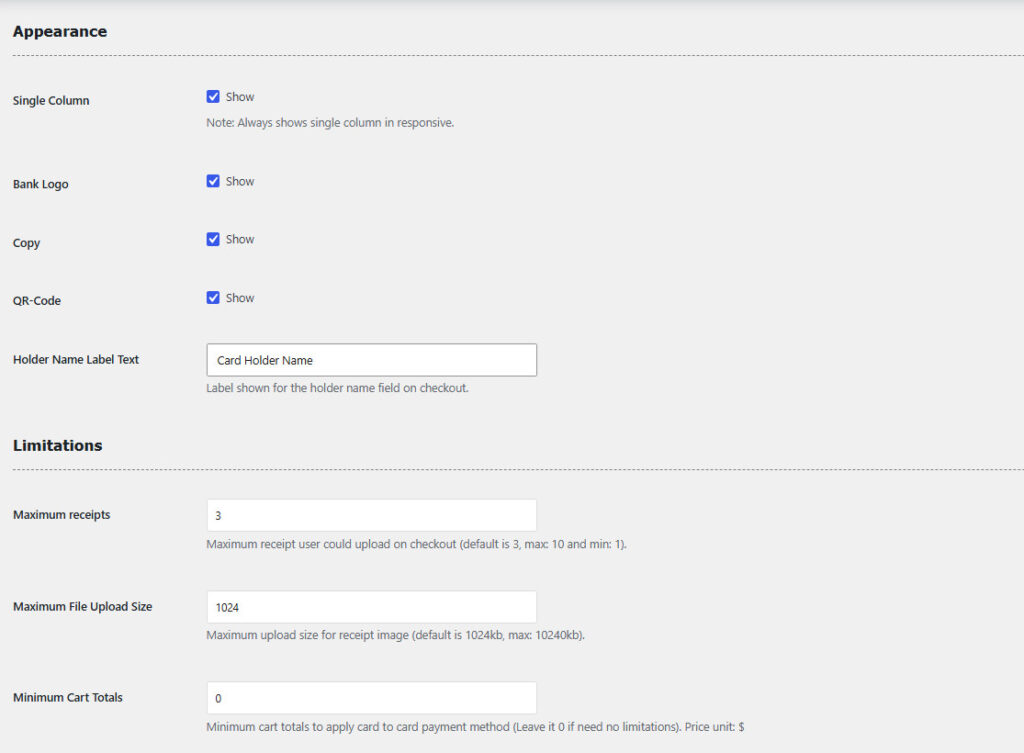
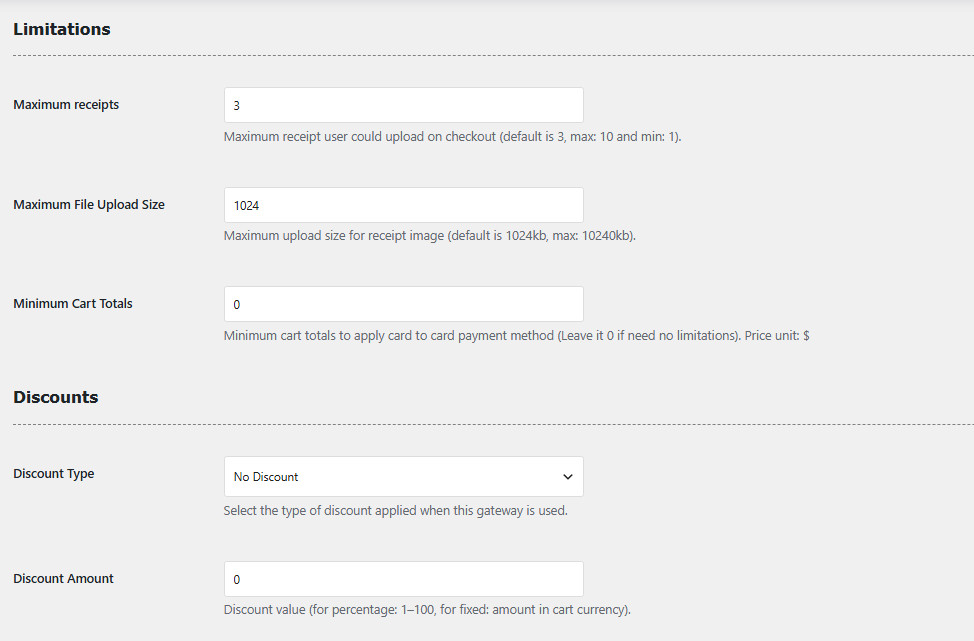
Flexi Card To Card Payment adds a flexible manual bank-transfer payment gateway to WooCommerce. Customers can choose from
configured bank accounts, view card or account details, copy payment information, generate QR codes, and upload payment receipts
directly during checkout.
Store owners can manage multiple bank accounts, require payer details and tracking codes, set receipt limits, apply discounts,
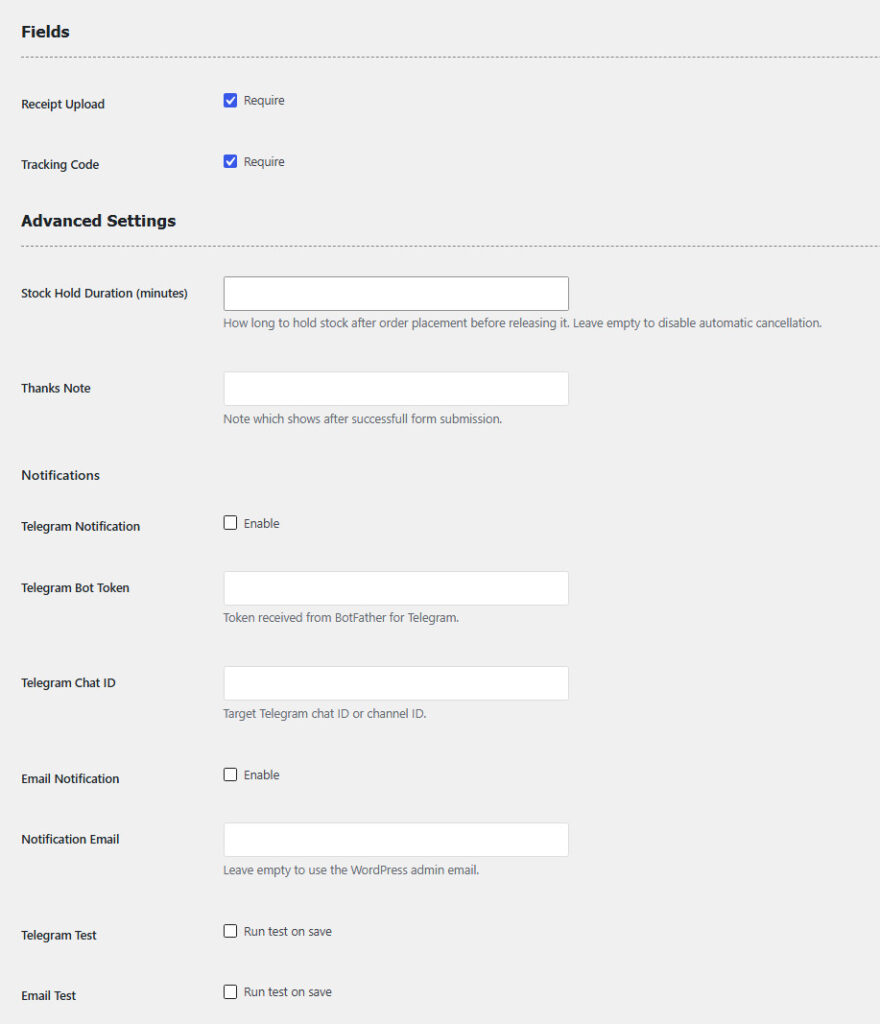
hold stock temporarily, and receive new-order notifications by email or Telegram.
This gateway is ideal for stores that accept manual card-to-card or bank-account transfers and need a structured way to collect
payment information and proof of payment. Payment confirmation remains a manual store-admin process.
Display and manage multiple payment accounts at checkout.
Show card numbers, IBANs, and bank account information.
Let customers quickly copy payment details.
Generate QR codes for convenient payment transfers.
Allow customers to upload payment receipt images.
Collect payment tracking codes during checkout.
Offer fixed or percentage discounts for card-to-card payments.
Restrict the gateway to orders above a specified amount.
Hold stock temporarily and cancel unpaid orders automatically.
Receive notifications when new orders are placed.
Send new-order alerts directly to Telegram.
Compatible with the modern WooCommerce Checkout Block.
Add your bank or card payment details in WooCommerce settings.
Activate Flexi Card To Card Payment at checkout.
The customer selects an account and completes the payment manually.
The customer enters their details and uploads a payment receipt.
The store admin verifies the payment and receipt.
Approve the order and update its status for fulfillment.
Sep 1, 2026
Flexi Card To Card Payment is a WooCommerce payment gateway that allows customers to pay by transferring money directly to the store’s bank card, IBAN, or bank account.
Go to WooCommerce → Settings → Payments → Flexi Card To Card and add the bank name plus at least one valid card number, IBAN, or account number. The gateway cannot be enabled without an active, valid account.
Customers must enter the cardholder name. The store administrator can also require a tracking code and payment receipt image.
Yes. The administrator can set the maximum number of receipt images from 1 to 10 and define the maximum file size. Supported formats include JPG, PNG, GIF, and WebP.
The order receives the Card To Card status and waits for administrator payment confirmation. The store can also send order notifications by email or Telegram, apply a payment discount, and temporarily hold stock if configured.
Reviews
There are no reviews yet.